Bring the interview picture together.
Find interview records, review evaluation access and follow your team’s activity from the shared dashboard.
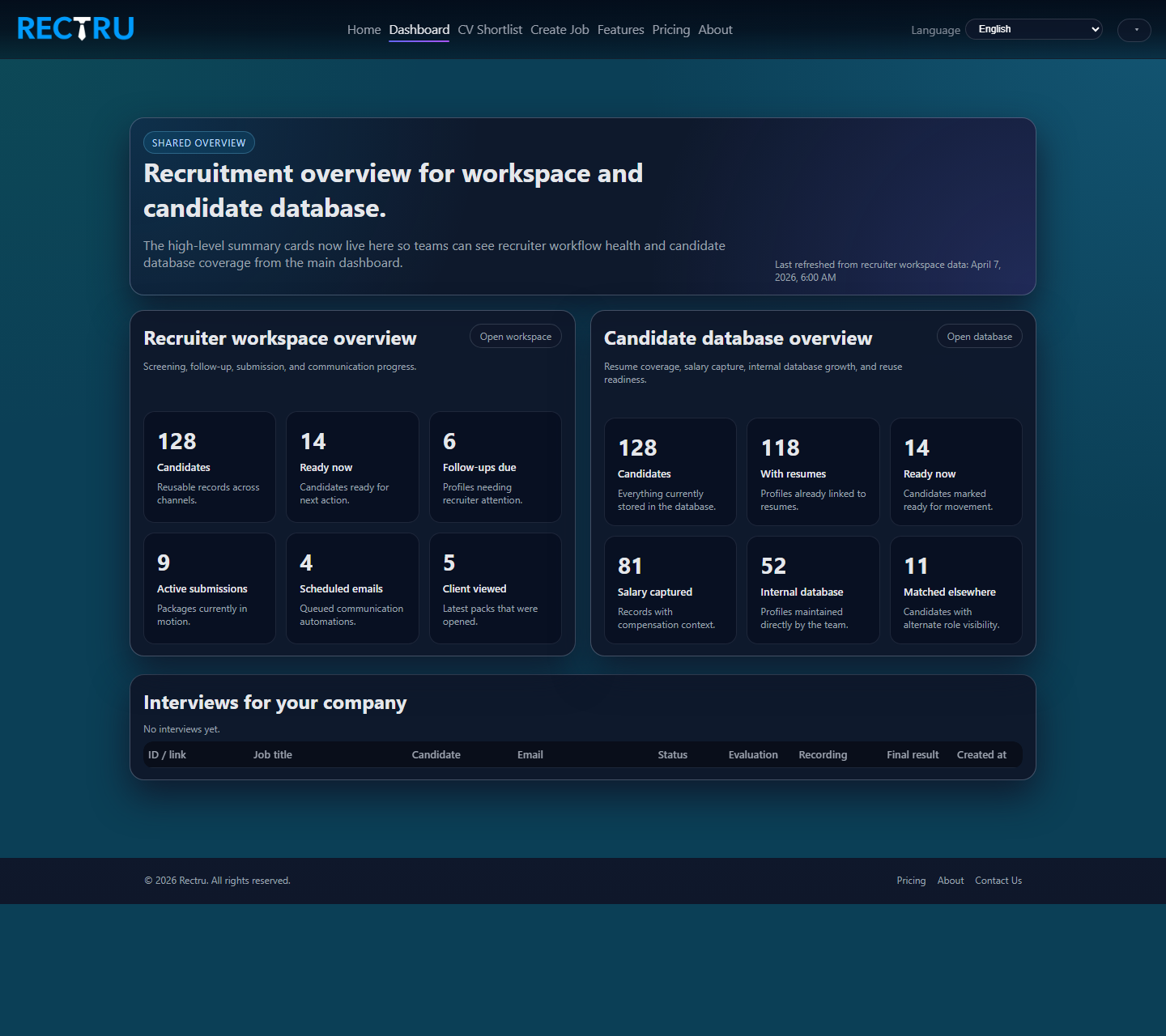
How to work from the Dashboard
1. Start with the shared overview.
Use the top cards to understand recruiter and database health before opening individual records.
2. Filter or scan the interview table.
Review the latest interview rows to spot pending actions, completed evaluations, or recordings that need review.
3. Move to the specialist page when deeper action is needed.
Open Candidate Database for reusable talent work, and Recordings or Evaluation for candidate review.