Keep useful candidate context close.
Organise internal talent records with CV, salary and availability information, so the next role can start with a more informed review.
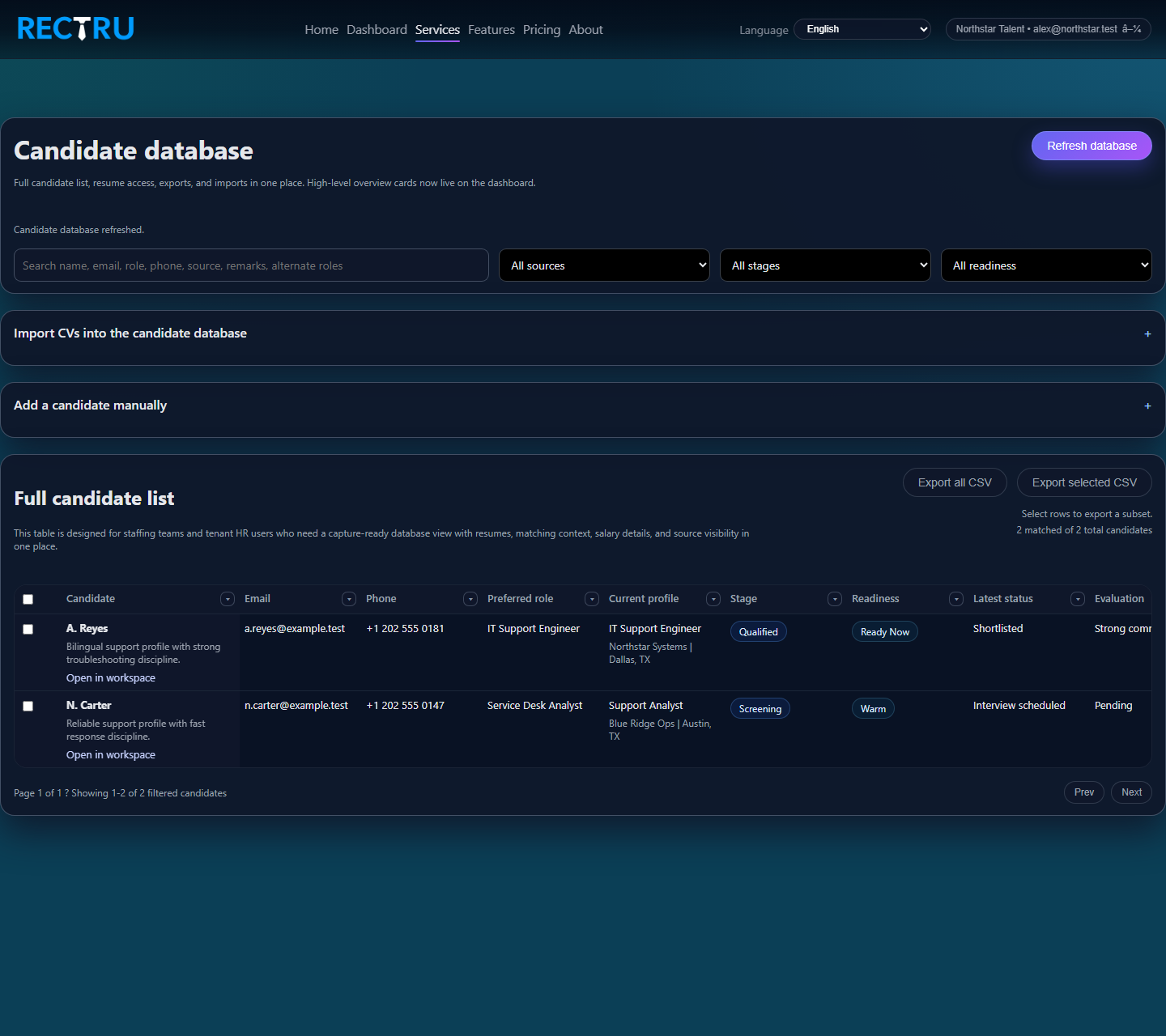
How to use the Candidate Database
1. Start with search and filters.
Narrow the table by source, stage, readiness, or keyword so the view matches the role you are working on.
2. Import or add records when needed.
Use the import drawer for CV batches and the manual drawer for profiles that need to exist even without a resume file.
3. Keep the profile fields current.
Salary, notice period, availability, and recruiter remarks are what make the database reusable instead of just archival.
4. Export only after the filters reflect the right segment.
That helps downstream teams receive a cleaner and more relevant dataset.