Run follow-up, packaging, and client movement from one table.
Recruiter Workspace is the action-heavy service. It is where teams manage active candidates, run JD match, prepare packages, and keep client movement visible.
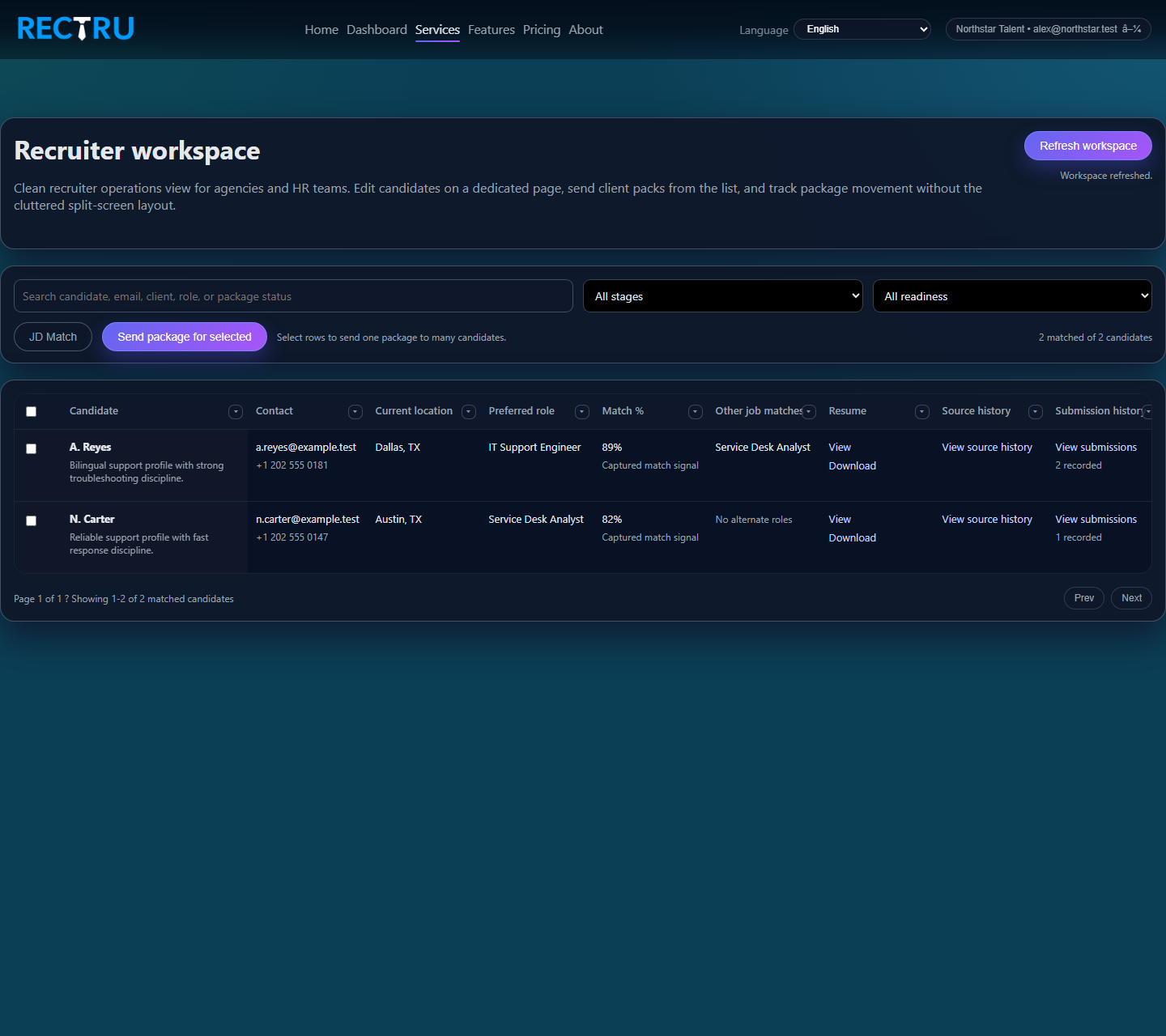
How to use Recruiter Workspace
1. Filter to the right operating slice.
Search by candidate, client, role, stage, or readiness before taking bulk action.
2. Run JD Match when the role changes.
This gives you a focused list instead of manually scanning the entire candidate pool.
3. Open package send from the candidate row.
Use the modal to set client target details, role summary, why-candidate notes, and commercial context.
4. Keep status fields meaningful.
The workspace is most valuable when readiness, stage, and latest movement stay accurate.