Give your next role a place to start.
Publish a job portal, define the role requirements and organise incoming applications for the next stage of review.
How to use Create Job
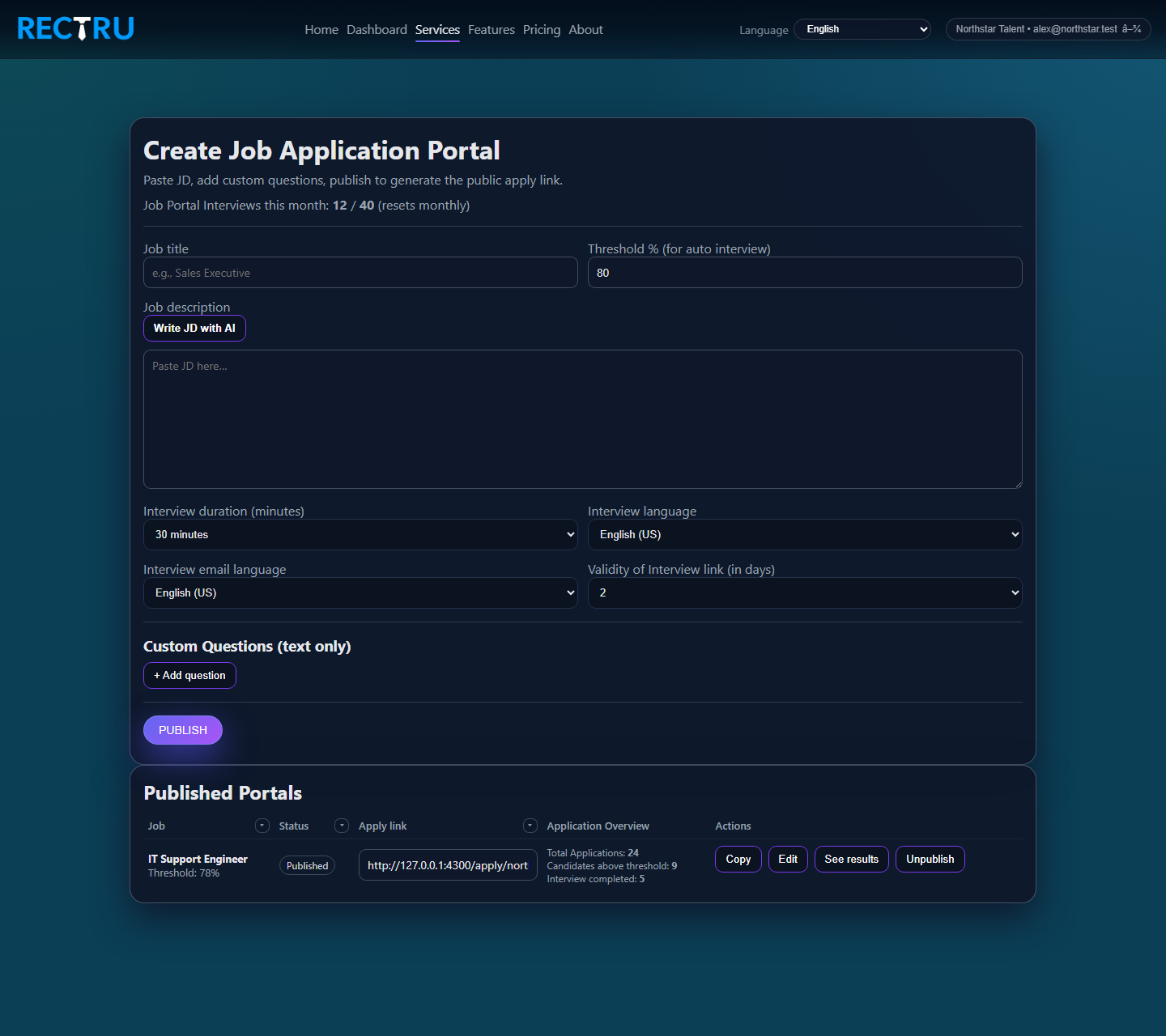
1. Add the job basics.
Enter the title, paste the JD, and choose the interview and email language settings.
2. Set the threshold intentionally.
This defines the level at which a candidate becomes strong enough for automated forward movement.
3. Add custom questions only when they help decision-making.
Keep them practical so the application flow stays useful without becoming heavy.
4. Publish and track.
After publishing, use the list below to copy links, edit the job, or open application results.